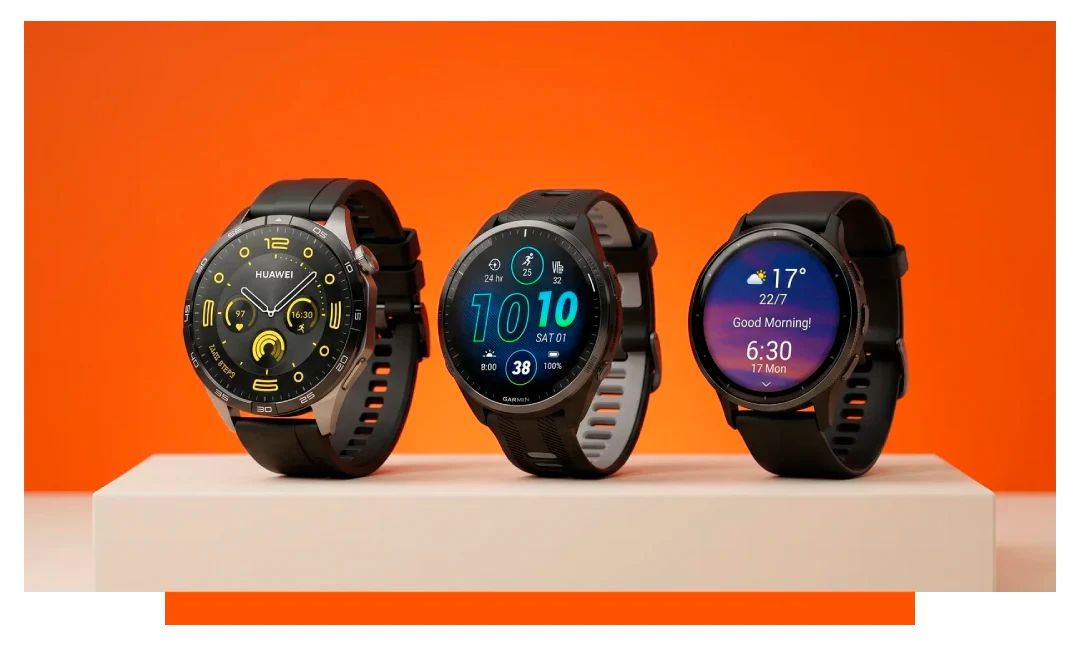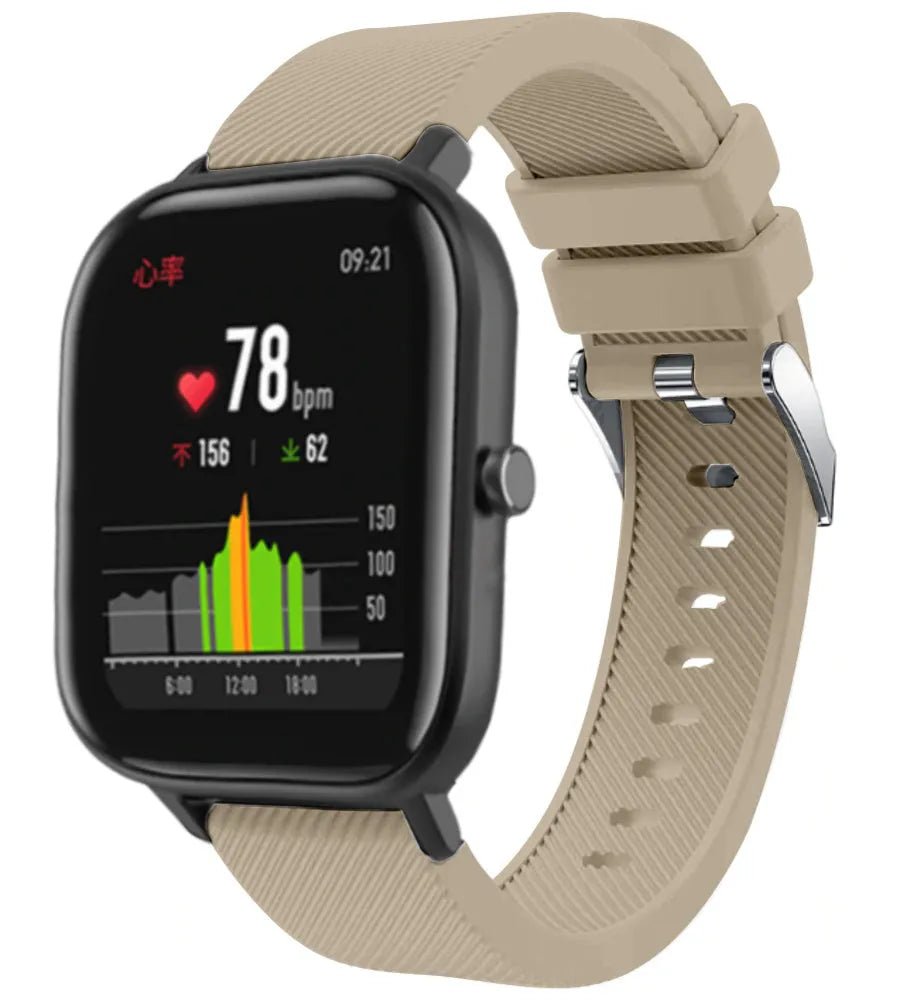




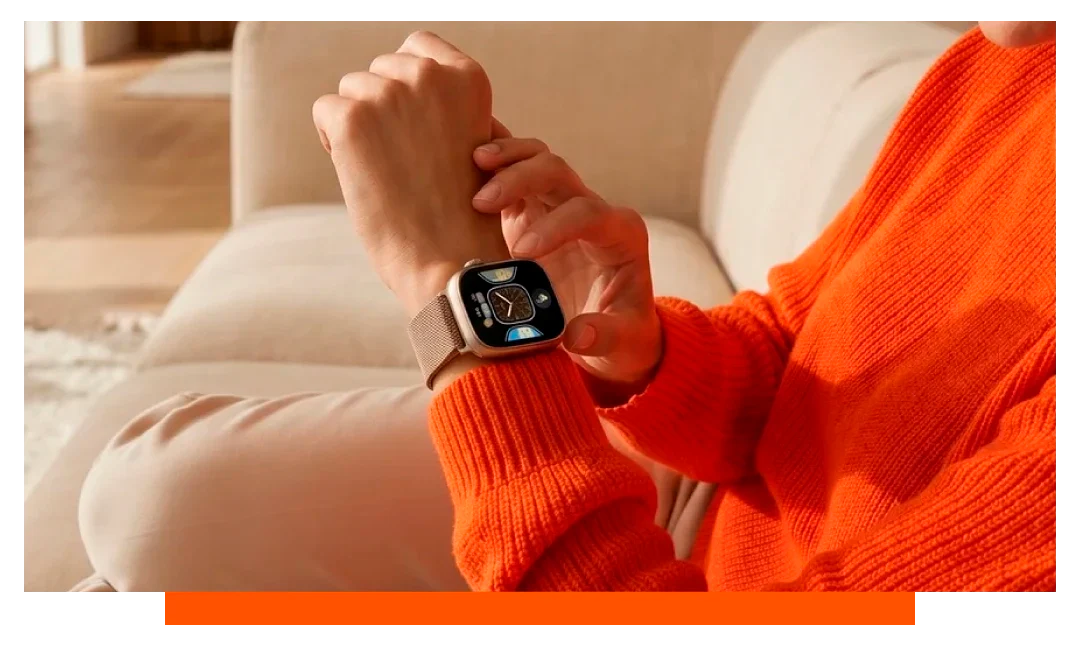
Press and hold your current watch face, swipe through options, and tap to set one. To add more, open your phone's companion app, pick a design, customize complications, then sync. You can switch faces in 2-5 seconds and download new ones in under a minute.
Quick ways to change your watch face
Apple Watch 11 - directly on the watch
Wake the display, then press and hold the face for about 1 second. Swipe left or right to browse saved faces and tap to select. Turn the Digital Crown to edit colors or complications before setting.
Apple Watch 11 - using your iPhone
Open the Watch app, go to Face Gallery, pick a design, then customize and Add. The new face syncs in 3-10 seconds over Bluetooth or Wi-Fi. You can reorder faces under My Watch - Face Gallery for faster on-wrist swiping.
Samsung Galaxy Watch 8 - on the watch
Touch and hold the current face for 1-2 seconds until it shrinks. Swipe horizontally to browse, then tap to apply. Use the bezel or swipe to edit colors and complications on compatible faces.
Samsung Galaxy Watch 8 - with your phone
Open the Galaxy Wearable app, tap Watch faces, choose a style, tweak complications, then Sync. Most faces transfer in under 15 seconds via Bluetooth LE. Reordering faces here changes the swipe order on your watch.
Garmin - on the watch and in the app
On most Garmin models, hold the Up or Menu button, select Watch Face, then Apply. In Garmin Connect, open Appearance - Watch Faces to choose and sync designs. Connect IQ downloads install in about 10-30 seconds depending on size.
Step-by-step reference table
| Platform | On-watch change | Phone app path | Typical time |
|---|---|---|---|
| Apple Watch 11 | Press-hold face - swipe - tap | Watch app - Face Gallery - Add | 2-5 seconds |
| Galaxy Watch 8 | Press-hold face - swipe - tap | Galaxy Wearable - Watch faces - Sync | 3-15 seconds |
| Garmin | Hold Up - Watch Face - Apply | Connect - Appearance - Watch Faces | 10-30 seconds |
How to download new watch faces?
Apple Watch 11 - Face Gallery and third-party apps
Use Watch app - Face Gallery to browse dozens of Apple designs like Modular, Photos, and Portraits. Third-party complications from apps appear in Edit after install. Most faces are 100 KB to 2 MB, so storage impact is negligible.
Samsung Galaxy Watch 8 - Galaxy Store and Wear OS
Open Galaxy Wearable - Watch faces - Discover to reach the Galaxy Store. Filter by free or paid faces, then tap Install and Sync. Animated faces may use 3-8 percent more battery per day than static designs.
Garmin - Connect IQ store
Open Garmin Connect - More - Connect IQ Store and select Watch Faces. Choose a face, review ratings, and Install. Data heavy faces that refresh every second can reduce battery by 5-10 percent per day on some models.
Can I customize watch face on smartwatch?
Complications and layouts
On Apple Watch 11, tap Edit and choose up to 3-8 complications depending on the face. Modular Ultra can show dense data, while Typograph keeps it minimal. On Galaxy Watch 8, tap Customize to set tiles like heart rate, steps, or sunrise.
Colors, fonts, and photos
Most Apple faces offer 10 to 30 color swatches for quick theming. Photos face supports multiple images and depth effects on Portraits for a 3D look. Samsung offers style packs with matched colorways and font presets for quick setups.
Link style and hardware
Pair your dial with bands for a complete refresh. Match bright faces with breathable sports bands for workouts. Try matte dials with leather for a refined look.
Pro styling tip for Apple owners
Coordinate a new face with fresh Apple straps and complementary watch accessories to upgrade your daily setup.
Voice and gesture shortcuts
Siri on Apple Watch 11
Say Hey Siri, switch to Modular or Hey Siri, set Photos face. You can also lift to speak if enabled for faster commands. Changes apply in under 2 seconds after recognition.
Bixby on Galaxy Watch 8
Say Change watch face to Digital dashboard to swap instantly. Voice confirmation appears before applying. Accuracy improves in quiet environments below 50 dB.
Gestures for speed
Swipe left or right from the main face to move between your last used faces. Limit saved faces to 3-5 to reduce swipes. Fewer faces can cut switch time by 40-60 percent.
Battery and performance facts
Display effects
Always On with animated faces can add 1-3 percent drain per hour during long days. High refresh or second-hand animations update 60 times per minute. Static faces with hourly refresh are most efficient.
Complication updates
Live complications that poll every minute use more network and CPU. Weather with real-time radar is heavier than calendar or date. Consider limiting frequent updates during travel days to extend battery by 10-20 percent.
Troubleshooting if the face will not change
If on-watch changes fail, restart the watch and phone. Check Bluetooth and Wi-Fi, then retry the sync. Confirm both devices run current firmware for best compatibility.
- Toggle Bluetooth off-on
- Reboot both devices
- Free 200 MB storage
- Remove unused faces
- Update companion app
When downloads stall
Pause other downloads in the store to free bandwidth. Keep the phone within 1-2 meters for fast BLE sync. Switch to Wi-Fi for larger faces above 2 MB.
Organize faces for different moments
Workday, workout, and wind down
Set a data dense face for 9 to 5 with calendar, rings, and next event. Create a bold high contrast workout face with seconds and heart rate. Add a minimal evening face with dim colors to reduce eye strain.
Automations and schedules
On iPhone, Shortcuts can switch faces by time or Focus mode. For Android, Bixby Routines can change faces when you arrive at the gym. These automations take 2-3 minutes to set up and save taps every day.
Only two minutes to master the basics
- Press and hold face
- Swipe to browse
- Tap to apply
- Edit complications quickly
- Use phone for downloads
FAQ
Why can I not edit certain fields?
Some faces lock specific areas to preserve design balance. Try a modular or info heavy face if you need more widgets. Switching face types unlocks more complication slots.
Do custom faces affect accuracy?
No, faces do not change sensor accuracy. They only alter how data is displayed. Battery settings and background refresh have more impact on performance.
How many faces should I keep?
Most users are fastest with 3-5 favorites. Too many faces increases swipe time and decision fatigue. Remove unused options in your companion app for speed.
Can I use my own photos?
Yes, Photos faces on Apple and Samsung support personal images. Pick high resolution images for crisp results on 300-500 ppi screens. Avoid ultra bright photos if you want longer battery life.
What if a paid face does not sync?
Check that the same account is signed in on watch and phone. Reinstall the face, then reboot and retry. If it persists, contact the store developer with your purchase ID.
Conclusion
To change the watch face on your smartwatch, press and hold the current face, swipe through your saved styles, and tap to apply. For new designs, use the companion app to download, customize, and sync. With these steps, you can refresh your watch in seconds anytime.