

















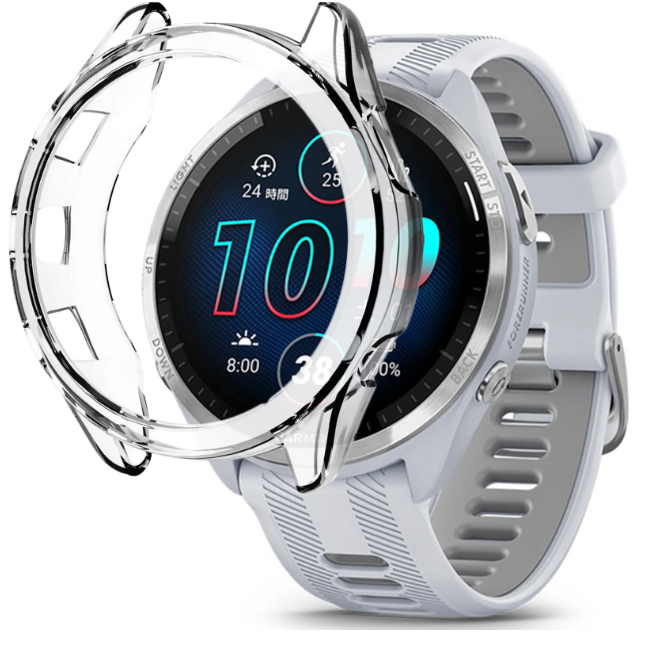


Garmin Size Guide
🔍 Quick Identification
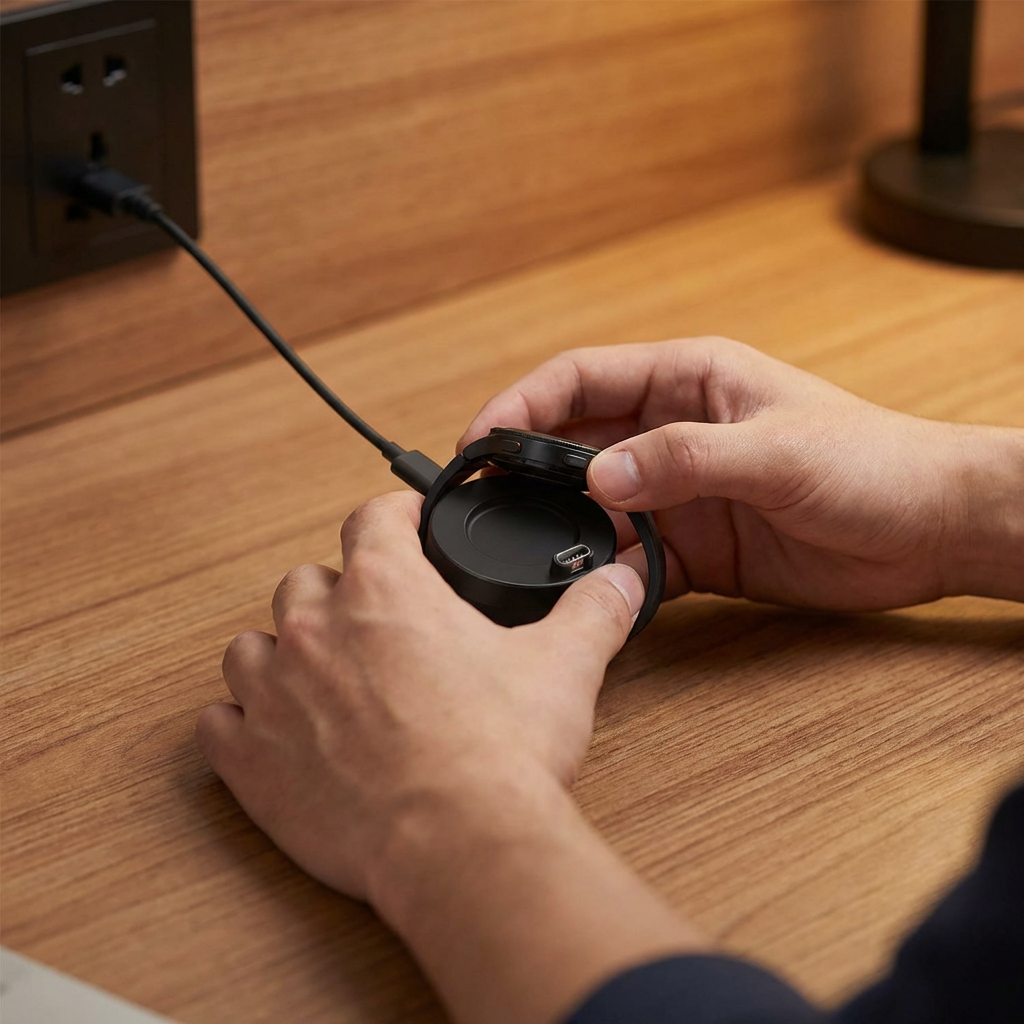
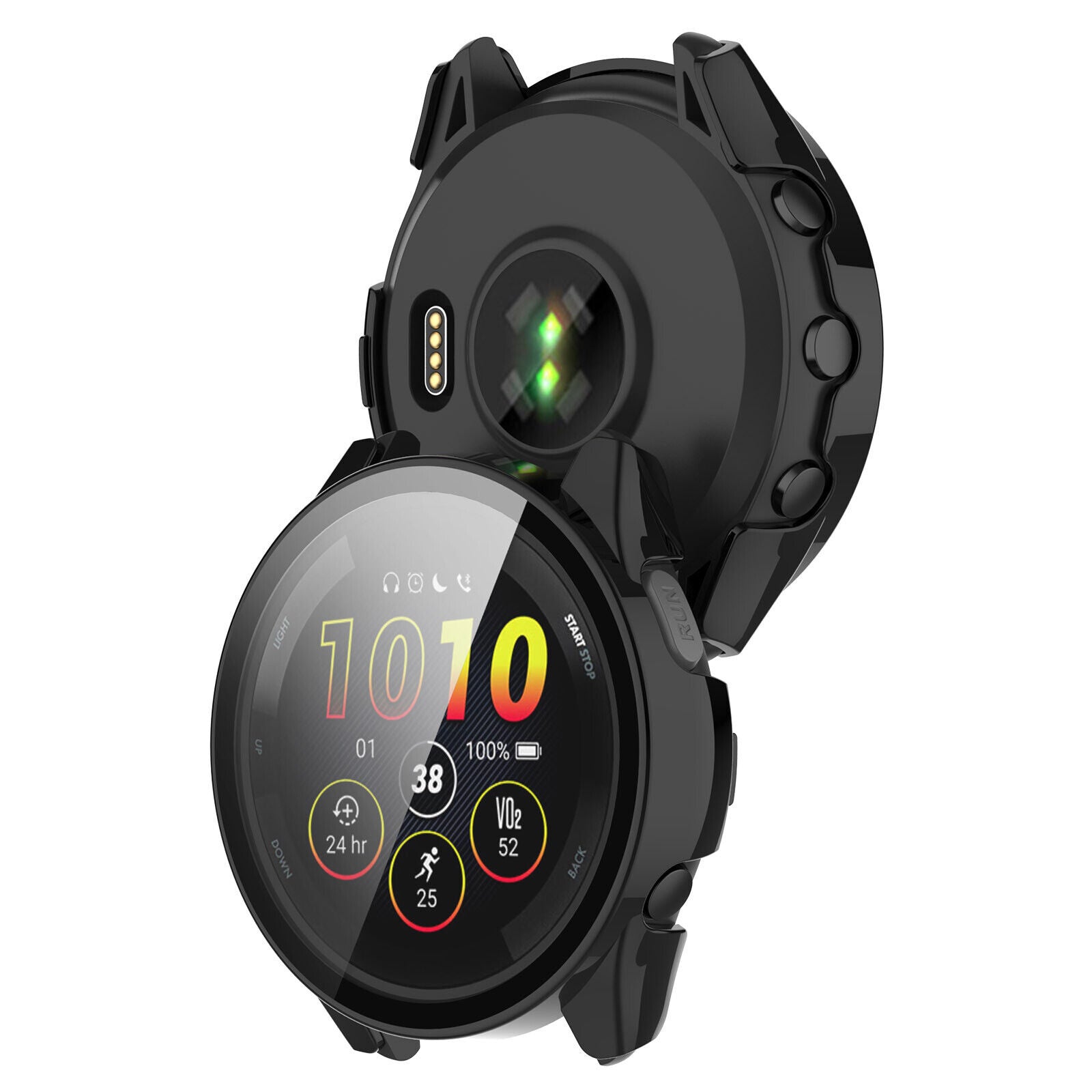
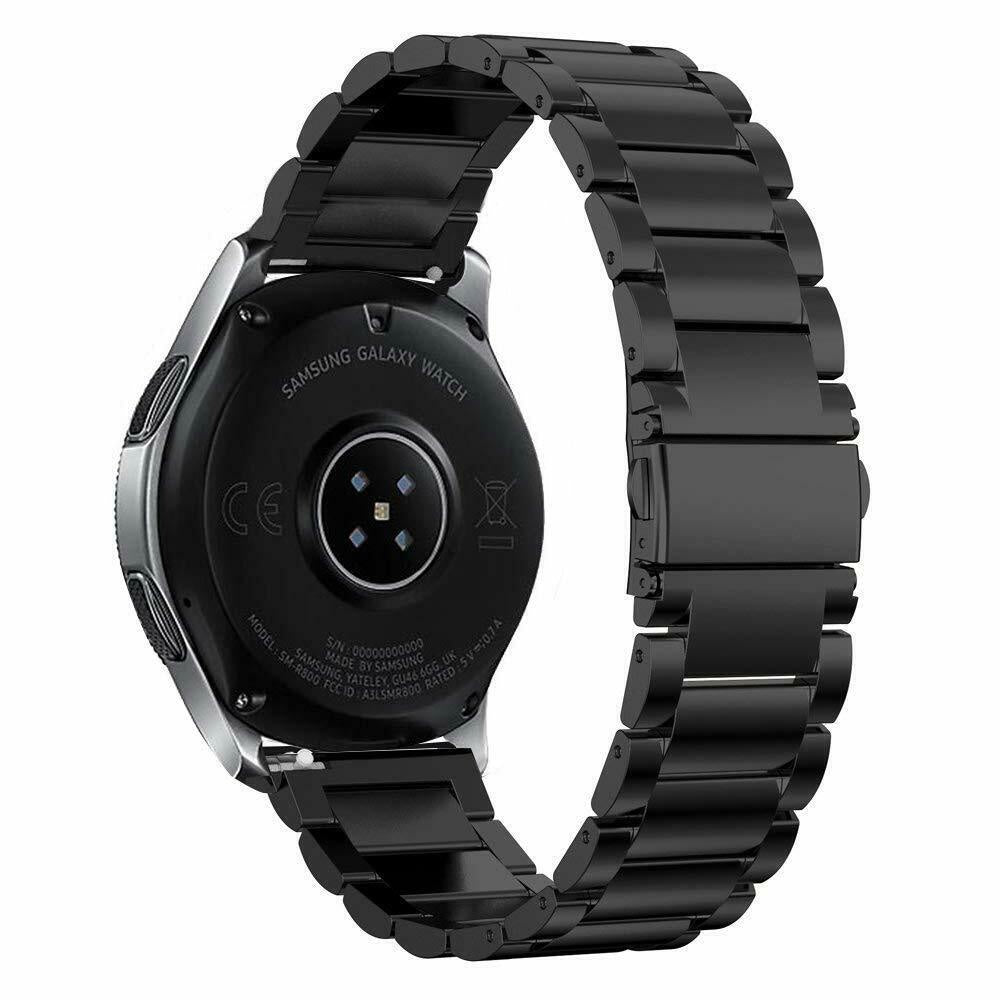
Pro Tip: Look at the back of your watch casing. The model name (e.g., Fenix 7) is usually engraved near the charging pins or around the heart rate sensor.

Find Your Model via Menu or App
🛠️ Using Your Garmin Watch
|
1
|
Hold the Up/Menu button to open settings. |
|
2
|
Scroll down and select System. |
|
3
|
Select About at the bottom of the list. |
|
4
|
Your Model Name will be displayed at the top. |

📱 Using Your Paired Phone
|
1
|
Open the Garmin Connect app on your phone. |
|
2
|
Tap on your Device Icon at the top of the screen. |
|
3
|
The Model Name will be listed right at the top. |
⚡ Instant Strap Finder
⚠️ Important: Ensure you select the correct series (S, X, or standard) from the list below.
Want to Check Another Watch Brand?
If you’d like to explore straps for a different brand, go back to the main menu.
BACK TO MAIN GUIDE🚚 Free Shipping (orders > £35)
⚡ Same-Day Dispatch (before 9pm)
🇬🇧 100-day returns & exchanges
🔒 Trusted Shop Protection